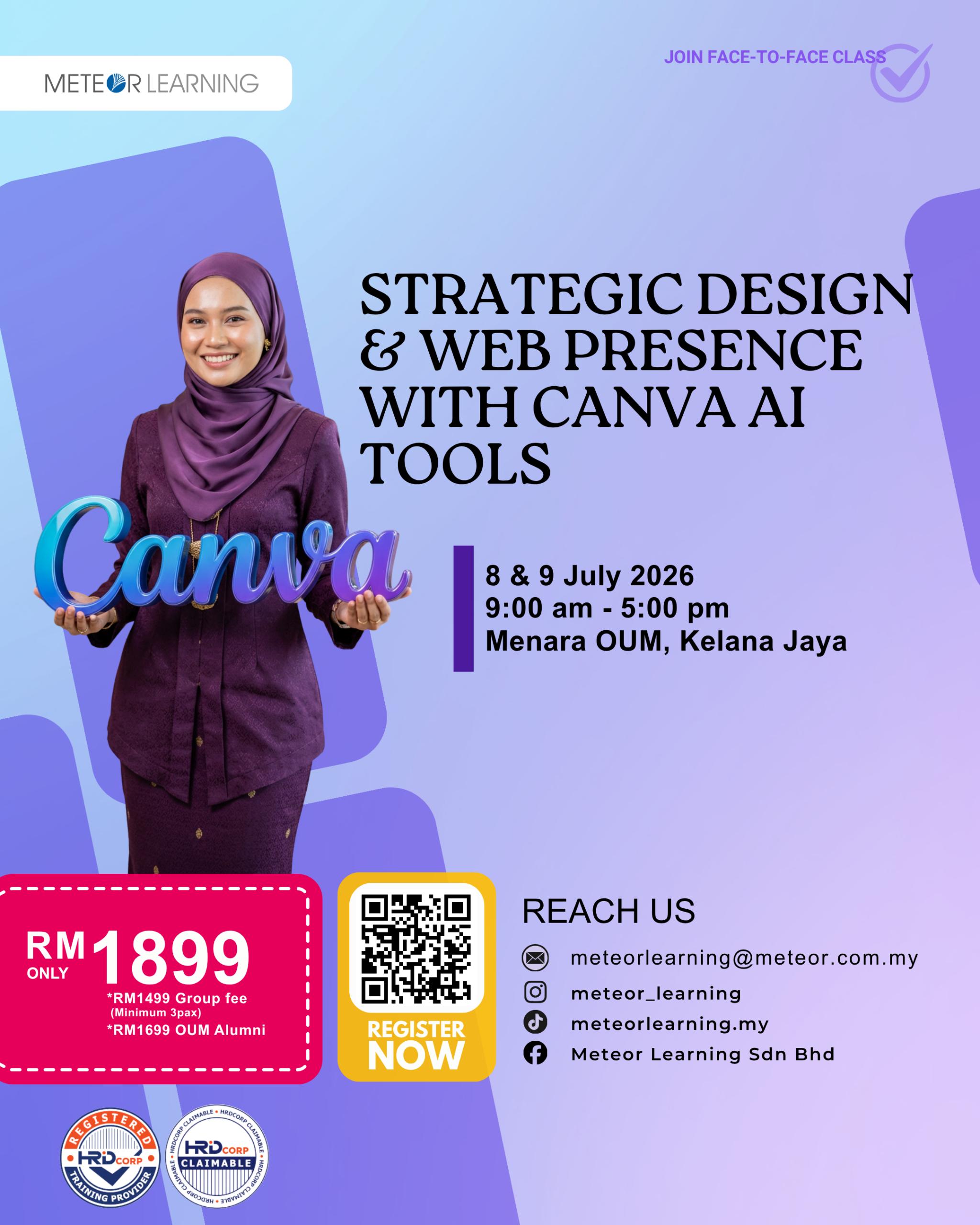
Strategic Design & Web Presence with Canva AI Tools
8 July @ 9:00 am - 9 July @ 5:00 pm
OVERVIEW
This 2-day course is designed to equip participants with essential skills in graphic design using Canva, introduce AI-powered tools to speed up design workflows, and guide them in building interactive websites without any coding knowledge. Through hands-on sessions, participants will explore how to create compelling visuals, leverage AI features for smart content generation, and launch their own web pages using Canva’s intuitive tools.
LEARNING OUTCOMES
By the end of this course, participants will be able to:
- Understand and apply graphic design principles using Canva.
- Utilize Canva AI tools to streamline visual creation and content writing.
- Design and publish interactive websites using Canva.
- Apply branding elements consistently across all designs.
- Create and repurpose visual content for social media, web, and marketing use.
COURSE OUTLINE
DAY – 1: CANVA FOR PROFESSIONAL DESIGN
- Introduction to Canva & Canva Pro features
- Understanding layout, fonts, and color theory
- Designing posters, social media graphics, presentations
- Infographic creation and branding consistency
- Customizing templates for different industries
SMART DESIGN WITH CANVA AI
- Overview of Canva AI (Magic Write, Magic Design, Magic Edit)
- Content generation with AI
- Photo editing with AI: background remover, image enhancer
- Using Brand Kit & Smart Mockups
DAY – 2: WEBSITE DESIGN & CONTENT DEPLOYMENT
- Introduction to Canva’s Website Builder
- Planning layout and structure for websites
- Adding navigation, buttons, and links
- Creating web pages: Home, About, Contact, Portfolio
- Live Demo: Publish & share website (with or without domain)
VISUAL CONTENT CREATION
- Editing videos in Canva: transitions, animation, timing
- Content writing tips for websites & social platforms
- Final Project: Build a simple website + branding kit 2
METHODOLOGY
- Lecture
- Group Discussions
- Case Studies
- Q&A Sessions
- Hands-on Activities
- Project Discussion
- Demonstration of Canva