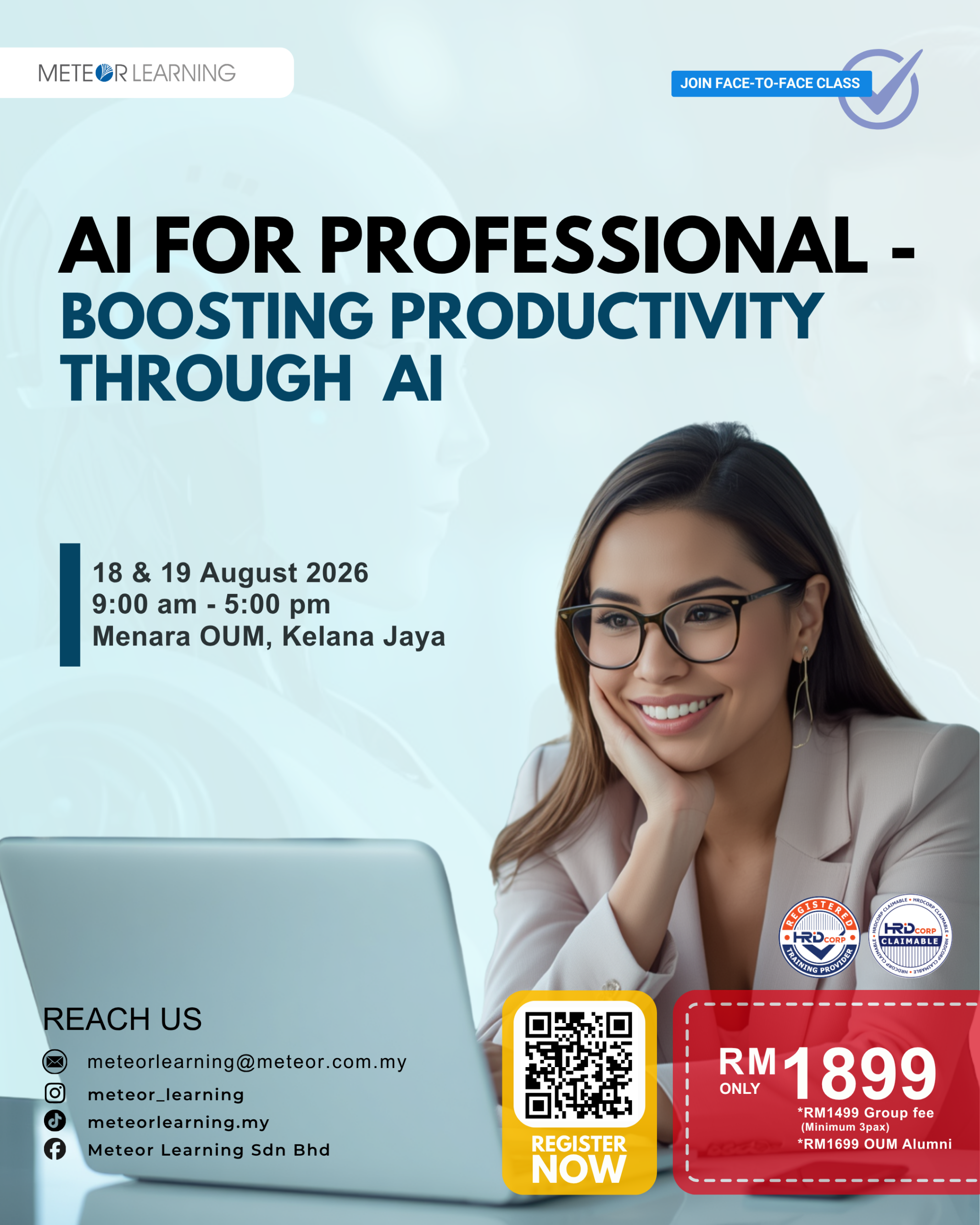
AI for Professional – Boosting Productivity Through AI
OVERVIEW
This course is designed to equip professionals with practical skills in using Generative Artificial Intelligence (AI) tools to enhance daily work productivity. Participants will be introduced to widely used AI platforms such as ChatGPT, Gemini, and similar tools, with a focus on real-world workplace applications. The training emphasizes responsible and ethical AI usage while enabling participants to automate routine tasks, improve communication, support decision-making, and streamline document creation. By the end of the programme, participants will be able to confidently integrate AI into their professional workflows in an effective and ethical manner.
LEARNING OUTCOMES
Upon completion of this course, participants will be able to:
- Understand the fundamentals of Generative AI and its role in modern workplaces.
- Apply basic prompt engineering techniques to obtain accurate and useful AI outputs.
- Use AI tools to improve writing, communication, and document preparation.
- Support planning, analysis, and decision-making using AI-assisted methods.
- Enhance personal productivity through AI-powered task management and content creation.
- Apply ethical, responsible, and safe practices when using AI tools.
COURSE OUTLINE
DAY 1: Foundations & Writing with AI
Module 1: Introduction to Generative AI
- Overview of Artificial Intelligence and Generative AI
- Common AI tools used in professional environments
- Practical examples of AI applications at work
Module 2: Prompt Engineering Basics
- Principles of effective prompting
- Role, Task, and Format (R-T-F) prompt framework
- Hands-on prompt writing exercises
Module 3: AI for Writing and Communication
- Drafting professional emails and messages
- Improving tone, clarity, and structure
- Creating response templates and communication drafts
Module 4: AI for Document Creation
- Generating reports, SOPs, checklists, and proposals
- Creating outlines, summaries, and structured documents
- Editing and refining AI-generated content
Module 5: Ethical and Responsible Use of AI
- Understanding AI limitations and potential risks
- Recognizing bias and ensuring accuracy
- Fact-checking and responsible AI practices
DAY 2: Productivity Tools & Practical Use
Module 6: Planning and Organizing with AI
- Brainstorming ideas and action steps
- Creating schedules, task lists, and work plans
- Event and project planning using AI
Module 7: Summarizing and Decision Support
- Summarizing long texts and documents
- Comparing options and identifying pros and cons
- Supporting quick analysis and decision-making
Module 8: Creating Visuals and Content Ideas
- Generating captions, headlines, and content outlines
- Developing ideas for basic visual content
- Using AI to support presentations and simple designs
Module 9: Personal Productivity with AI
- Daily task planning and prioritization
- Journaling, reflections, and habit tracking
- Using AI for reminders and self-organization
Module 10: Final Wrap-Up and Practical Application
- Recap of tools and key learning points
- Sharing practical use cases
- Guidance on continued learning and AI adoption
METHODOLOGY
- Instructor-led lectures to introduce key concepts, frameworks, and best practices.
- Guided demonstrations to showcase the use of AI tools and techniques.
- Hands-on exercises to provide practical experience using AI tools in workplace-related scenarios.
- Group discussions to encourage knowledge sharing, idea exchange, and peer learning.
- Case studies and scenario-based activities to strengthen problem-solving and critical-thinking skills.
- Interactive learning sessions to promote participant engagement and active participation.
- Continuous guidance and feedback from the trainer to support understanding and skill development.
- Practical application activities to help participants apply newly acquired knowledge in their work environment.