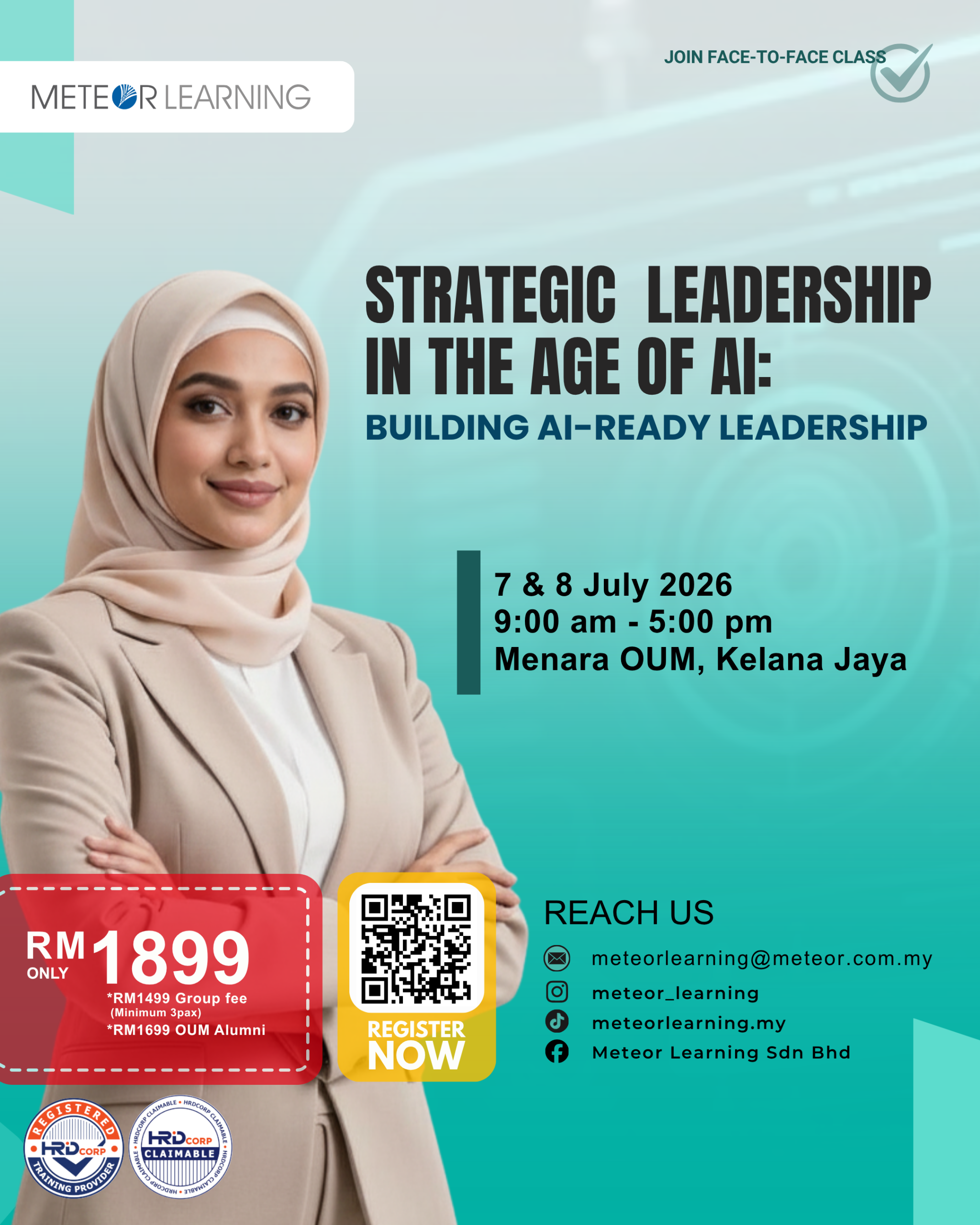
Strategic Leadership in the Age of AI: Building AI-Ready Leadership
OVERVIEW
Generative AI is no longer optional—it’s a leadership imperative. This masterclass equips senior leaders with the mindset, frameworks, and practical AI fluency to drive responsible adoption, unlock strategic advantage, and lead teams through transformation with confidence. Rather than focusing on technical mechanics, this program positions AI as a strategic lever—helping leaders ask better questions, make faster decisions, and govern wisely. Participants will learn to use AI not as a novelty, but as a co-pilot for leadership judgment. Built on real-world applications across marketing, HR, operations, and governance, this masterclass blends vision, ethics, and execution—with hands-on experience using AI tools that deliver executive value.
LEARNING OUTCOMES
By the end of this masterclass, leaders will be able to:
- Frame AI as a strategic asset—aligned with business goals and team capabilities.
- Use strategic prompting to generate insights, evaluate options, and draft leadership communications.
- Select and deploy high-impact AI tools for intelligence, planning, and decision support.
- Establish clear governance—balancing speed, security, compliance, and ethics.
- Lead AI-fluent teams through change, upskilling, and role evolution.
COURSE OUTLINE
DAY 1: Design Fundamentals, Photoshop & Illustrator Essentials
Module 1: Fundamental Design Principles
- a) Introduction to graphic design and visual communication
- b) Elements and principles of design for effective content creation
- c) Design thinking fundamentals and creative problem-solving
- d) Colour theory, colour psychology and branding applications
- e) Typography, font pairing, visual hierarchy, layout and composition
- f) Branding essentials and consistency in corporate communication
Module 2: Adobe Photoshop Essentials
- a) Workspace, interface overview, layers and core tools
- b) Photo correction, enhancement, retouching and image optimisation
- c) Background removal techniques and image preparation
- d) Designing social media graphics, posters, banners and digital advertisements
- e) Exporting suitable file formats for digital platforms
Module 3: Adobe Illustrator Essentials
- a) Understanding raster vs vector graphics and Illustrator workspace
- b) Shape creation, manipulation and working with paths and objects
- c) Pen tool techniques for vector artwork creation
- d) Logo development concepts, icon creation and brand asset design
- e) Preparing artwork for print and digital output
DAY 2: Canva Website, Canva AI & Content Creation Workflow
Module 4: Website Creation with Canva
- a) Introduction to Canva Website capabilities and use cases
- b) Website planning, page structure and content organisation
- c) Homepage design, user-friendly layouts and visual consistency
- d) Navigation setup, interactive elements and mobile-friendly design practices
- e) Publishing, sharing, managing updates and revisions
Module 5: Canva AI for Content Creation
- a) Understanding AI-powered design tools and benefits in content creation
- b) Using Magic Design, Magic Write, AI image generation and AI-assisted presentations
- c) Writing effective prompts for high-quality AI outputs
- d) Refining AI-generated content for accuracy, tone and brand alignment
- e) Streamlining marketing, communication, brainstorming and ideation workflows
DAY 3: Integrated Design Project (Optional / Customisable)
Module 6: Integrated Design Project
- a) Practical design challenge combining design principles and creative tools
- b) Creation of brand identity assets, marketing collateral and social media content
- c) Development of website landing page and AI-assisted promotional materials
- d) Presentation of completed projects to demonstrate applied learning
- e) Facilitator feedback and improvement recommendations
METHODOLOGY
- Interactive lectures introducing key concepts, tools, techniques and best practices
- Live demonstrations of Adobe Photoshop, Adobe Illustrator, Canva Website and Canva AI features
- Hands-on practical exercises using real-world design and content creation scenarios
- Individual assignments, group activities and guided discussions
- Case studies on branding, marketing, website design and AI-powered content creation
- Project-based learning with presentation and feedback sessions